
View ZIP Files Online
Use our online free archive viewer to view your ZIP files quickly from any modern device. No installation or subscription is required.
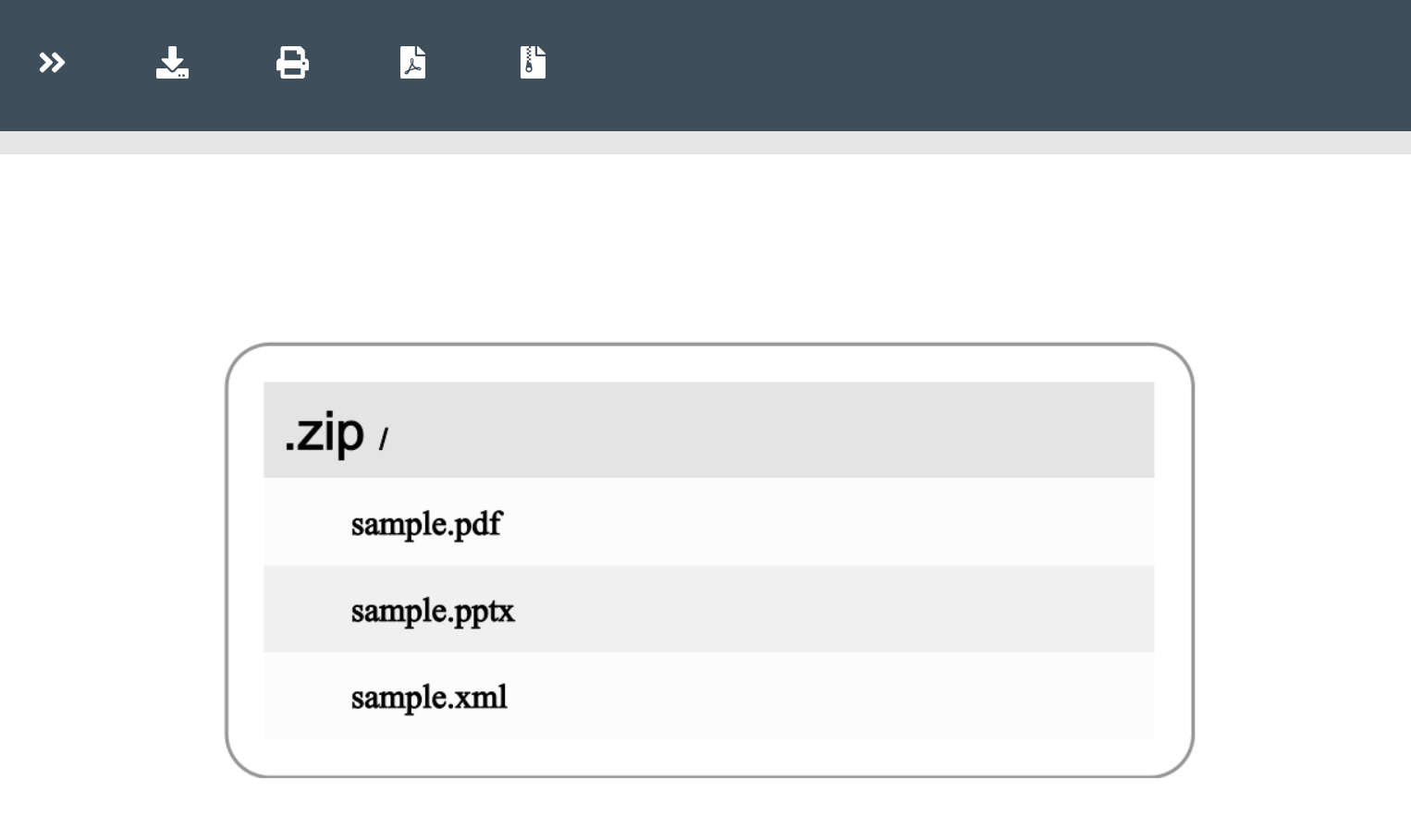
How to View ZIP Files Online
- Open the online archive viewer in a web browser.
- Click the drop area or drag & drop your ZIP file.
- The ZIP file is rendered automatically.
- Click the open button on the result page to view the content.
You don’t need to install any dependencies. Just open the browser and start viewing ZIP files. Our protected server secures uploaded files, and they are automatically deleted after 24 hours.
ZIP Viewer - Developer’s Guide
Learn how to view ZIP archives with step‑by‑step code examples for C# and Java. You can render ZIP files to HTML, image, or PDF formats.
Render ZIP Files in C#
Write code to render a ZIP archive in HTML, image, and PDF using C#:
Render ZIP as PDF
- Install Conholdate.Total for .NET in your application.
- Use the code below to render a ZIP file as PDF.
Render ZIP as HTML
Render ZIP as Image
View ZIP Files Using Java
Render ZIP files to HTML, PDF, and image using Java:
- Install Conholdate.Total for Java in your project.
- Use the code below to render a ZIP file as PDF.
Render ZIP as HTML
Render ZIP as Image
FAQs
How to open and view ZIP files online?
Upload a ZIP file, wait for processing to finish, then click the View button or copy the shareable link.
What browser should be used to view the ZIP file?
We support all modern browsers, including Chrome, Safari, Opera, Firefox, Edge, and Tor.
What is the maximum allowed ZIP file size?
The maximum ZIP file size is 20 MB.
Can I print archive?
Yes. Click the print icon on the top toolbar to print the document.
What will you do with uploaded files?
Uploaded files are automatically removed after 24 hours and remain protected while stored.
How can I create my archive viewer?
Use our standalone .NET or Java libraries.
Can I get a license to evaluate the libraries?
You can obtain a free temporary license to test the API without evaluation limits.
Ask a Question
You can submit your questions on our forum.