Unlocking Word documents is often necessary, especially for legacy files or shared documents whose passwords are no longer known. Whether you need to review, collaborate, or archive a protected DOCX, the process should be smooth, reliable, and secure. Conholdate offers a robust online tool for removing passwords from Word files, and developers can integrate the same capability into .NET or Java applications using the Conholdate.Total SDKs.
This post explains how to unlock DOCX files online with a browser and shows how to remove DOCX passwords using C# and Java code. All methods keep data integrity intact and provide a secure way to regain access to protected content.
How to Unlock DOCX Online
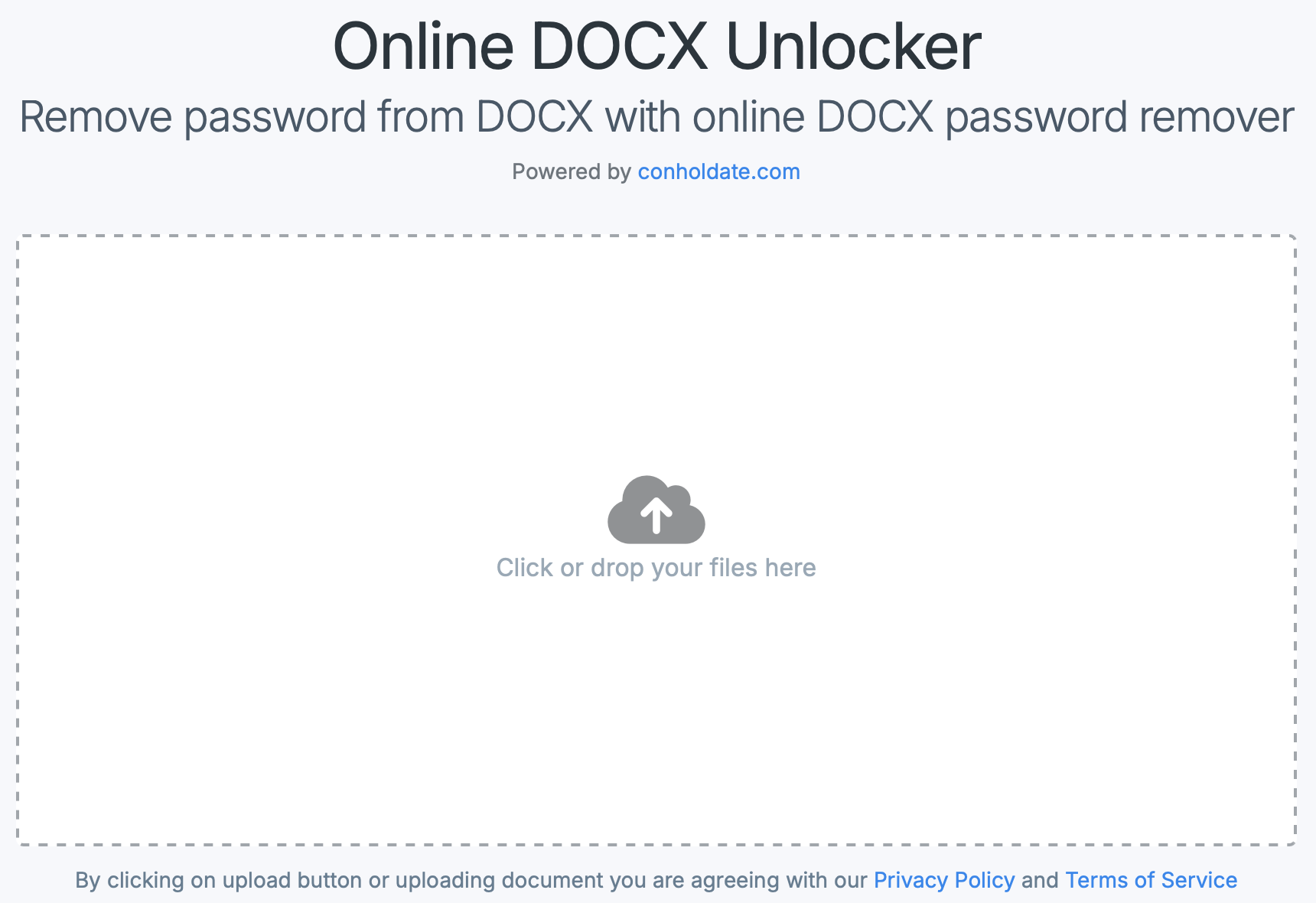
If you need a hassle‑free way to unlock a password‑protected Word document without installing software, this Online DOCX Unlocker is ideal. It securely removes passwords from DOCX files in seconds. The tool runs entirely in the browser, so no data is stored or shared externally—perfect for users concerned about confidentiality.
To start, upload your protected Word document, enter the correct password, and let the tool process it. The resulting file downloads without password protection, giving you full access to its contents. This solution works well for students, professionals, and businesses.
Why Unlock a Word Document?
Enable Content Editing and Review: Unlocking allows you to edit, comment, and collaborate on documents that were previously read‑only.
Automated Document Processing: Batch‑processing large volumes often requires unlocking files first.
Content Migration and Archiving: Unlocking is needed when preparing documents for backup, cloud migration, or long‑term storage.
Data Extraction and Analysis: Developers and analysts may extract content from DOCX files for automation or business intelligence.
Unlock Password-Protected Word Document in C#
To unlock a Word document with C#, use the Merger class from the Conholdate.Total for .NET SDK. Example:
string filePath = @"path/protected-document.docx";

// Load the document with the password
LoadOptions loadOptions = new LoadOptions("mySECRETpassWORD");

// Unlock and save the document
using (Merger merger = new Merger(filePath, loadOptions))
{
    merger.RemovePassword();
    merger.Save(@"path/no-pwd-document.docx");
}
This code loads a protected DOCX, removes its password, and saves the unlocked version in just a few lines. It is useful for enterprise automation and internal tools.
Unlock Password-Protected Word Document in Java
Java developers can achieve the same result with the Conholdate.Total for Java SDK. The syntax mirrors the C# example.
LoadOptions loadOptions = new LoadOptions("mySECRETpassWORD");

Merger merger = new Merger("path/protected-document.docx", loadOptions);
merger.removePassword();
merger.save("path/no-pwd-document.docx");
With this code, Java applications can unlock Word files easily, whether for desktop utilities, server‑side tools, or cloud services.
Conclusion
Unlocking Word documents is essential for accessing or processing information blocked by forgotten passwords and for optimizing workflows. Whether you need a quick online solution or want to embed unlocking capabilities into your software, Conholdate DOCX Unlocker provides both convenience and flexibility. Explore the online tool and SDKs for .NET and Java today to take control of your protected documents with confidence.