
MS PowerPoint allows presenting information or data in the form of presentation slides. It also provides a PowerPoint viewer to view all the slides as a slide show. In some cases, you may need to render PowerPoint slides in other formats such as PDF, JPG images, or HTML. This article shows how to render a PowerPoint presentation in other formats using C#.
The following topics are covered:
- C# API to Render PowerPoint Presentation
- Render PowerPoint Presentation in PDF
- View PowerPoint Presentation in HTML
- Render PowerPoint Notes in HTML
- Convert PowerPoint Slides into JPG Images
C# API to Render PowerPoint Presentation
To render PPT or PPTX files in other formats, we use the GroupDocs.Viewer for .NET API. It enables programmatic rendering and viewing of supported PowerPoint presentation formats. Download the DLL or install it via NuGet.
PM> Install-Package GroupDocs.Viewer
Render PowerPoint Presentation in PDF using C#
Follow these steps to convert a PowerPoint file to PDF:
- Load the presentation with the Viewer class.
- Create a PdfViewOptions instance, passing the output PDF path.
- Call the View() method, providing the PdfViewOptions object.
The code sample demonstrates how to render a PPTX file to PDF with C#.
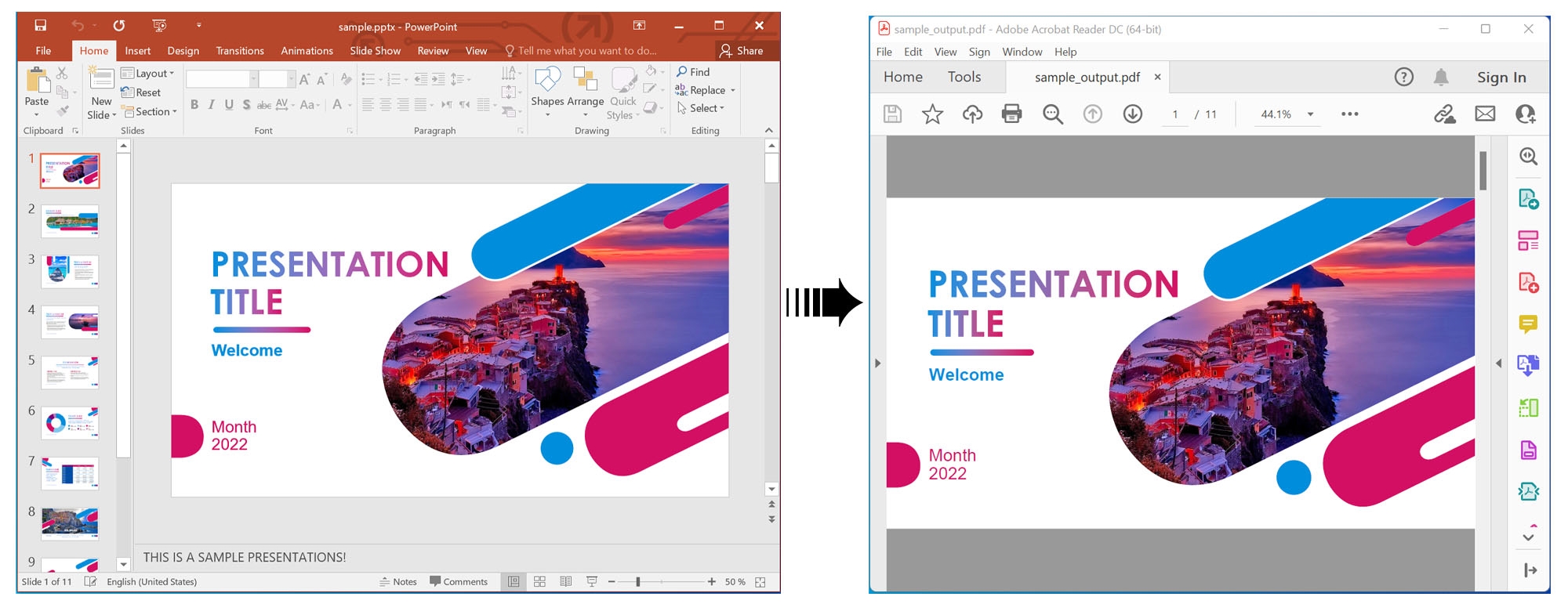
Render PowerPoint Presentation in PDF using C#.
View PowerPoint Presentation in HTML using C#
To render a presentation as HTML for browser viewing:
- Load the file with the Viewer class.
- Create an HtmlViewOptions instance using the ForEmbeddedResources method and specify the HTML output path.
- Adjust options such as RenderToSinglePage as needed.
- Call the View() method with the HtmlViewOptions object.
The sample shows how to render a PPTX as HTML using C#.
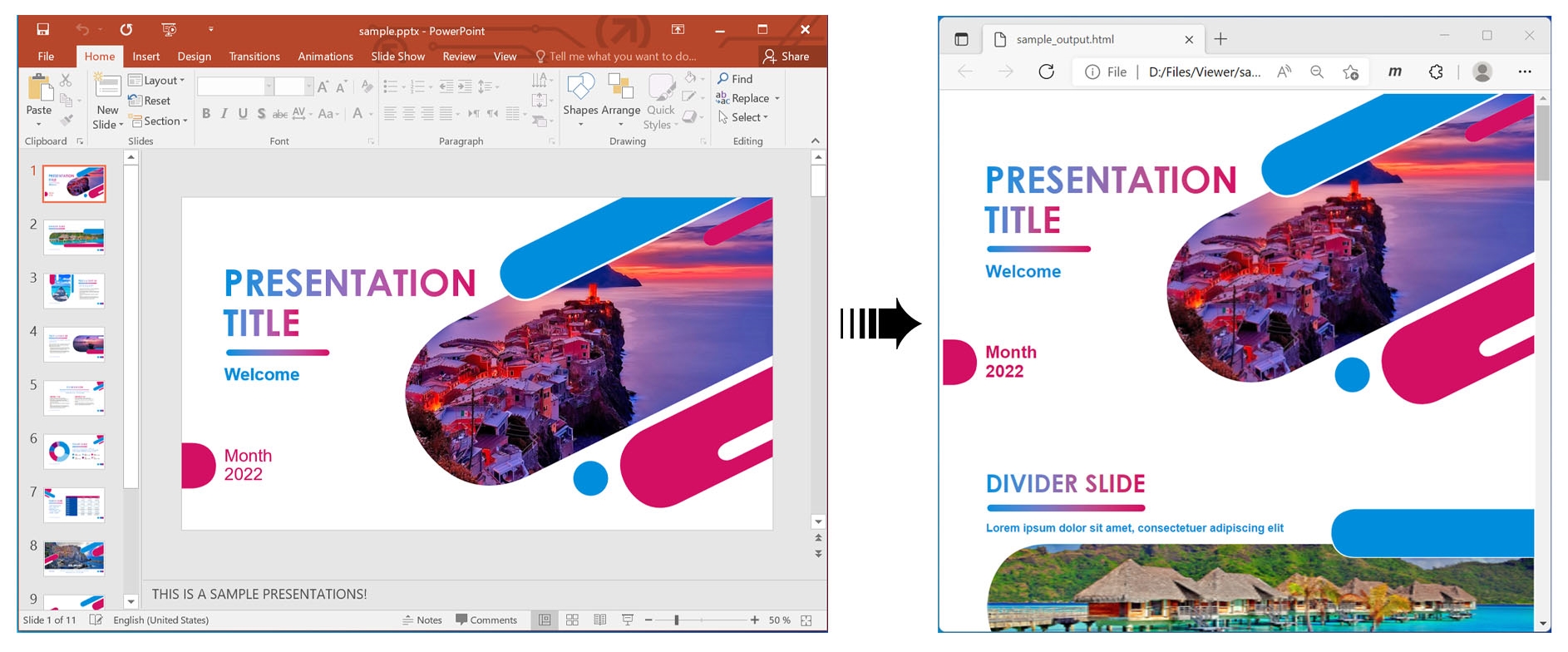
View PowerPoint Presentation in HTML using C#.
Render PowerPoint Notes in HTML using C#
Enable note rendering by setting:
viewOptions.RenderNotes = true;
The following code shows how to render PowerPoint notes in HTML with C#.
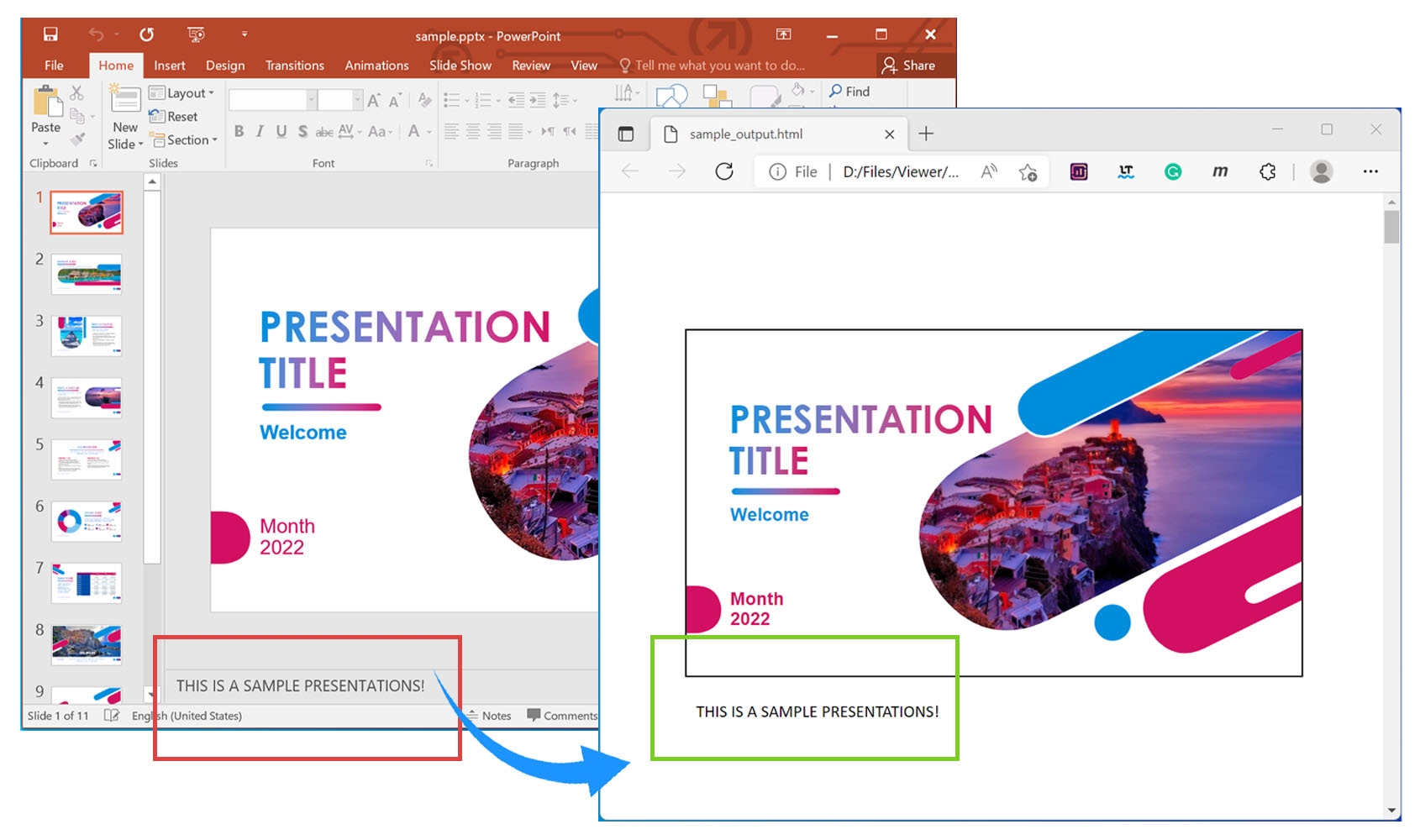
Render PowerPoint Presentation Notes in HTML using C#.
Convert PowerPoint Slides into JPG Images using C#
To save each slide as a JPG image:
- Load the presentation with the Viewer class.
- Create a ViewInfoOptions instance via the ForJpgView method.
- Retrieve ViewInfo using GetViewInfo.
- Loop through ViewInfo.Pages.Count to process each slide.
- Create a JpgViewOptions instance.
- Call the View() method with the JpgViewOptions object and page number.
The code sample illustrates how to render PowerPoint slides into JPG images using C#.
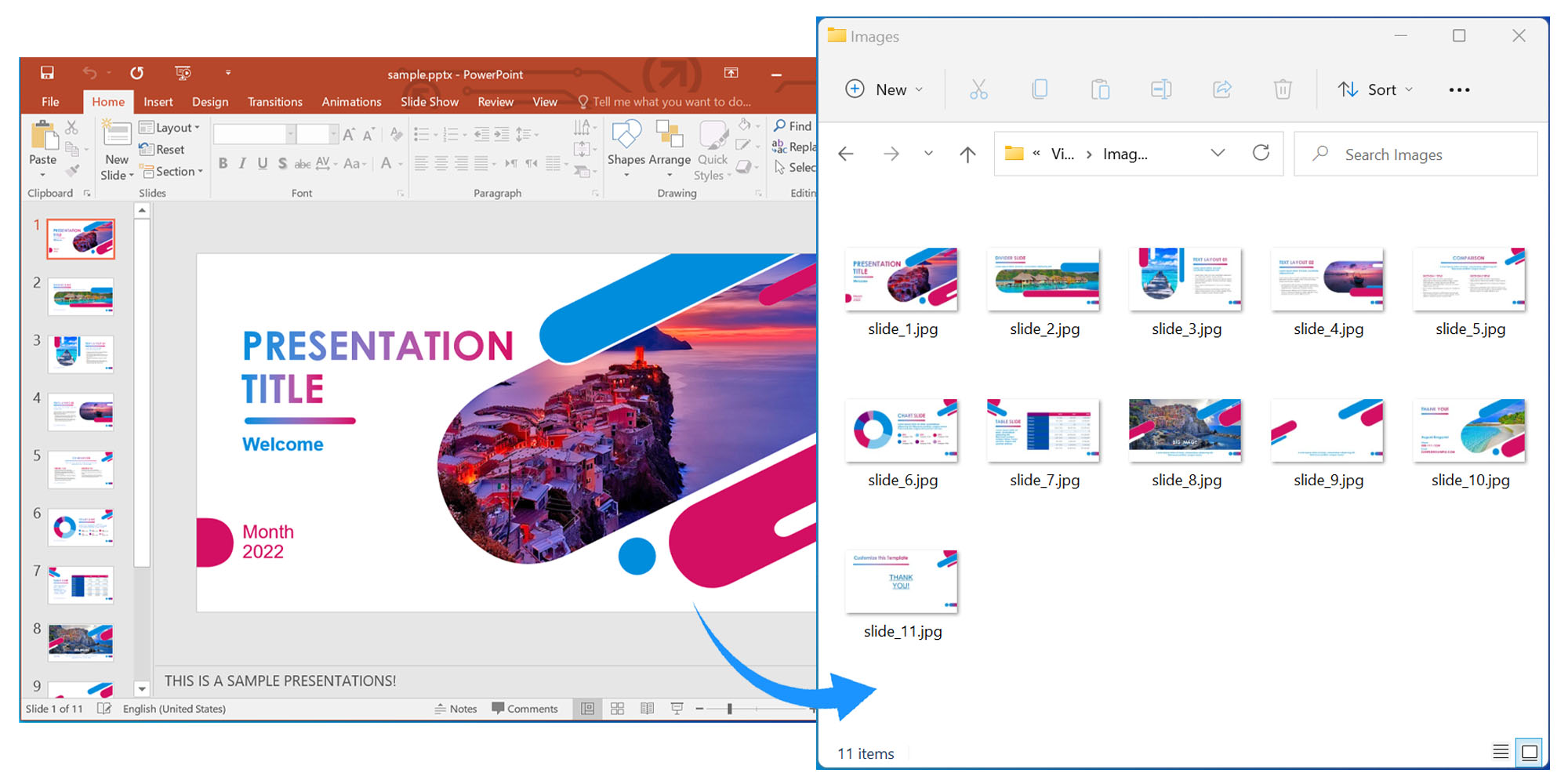
Convert PowerPoint Slides into JPG Images using C#.
Get a Free License
Request a free temporary license to use the API without evaluation limits.
Conclusion
In this article you learned how to:
- render PowerPoint slides from PPTX to PDF in C#;
- view PowerPoint slides in a browser as HTML;
- convert PowerPoint slides into JPG images.
Explore more about GroupDocs.Viewer for .NET in the documentation. For questions, visit the forum.