
LaTeX is a powerful typesetting system used for scientific papers, research reports, and complex math formulas. Viewing LaTeX files (.tex) normally requires dedicated software, which can be inconvenient. This online LaTeX viewer lets you open and preview LaTeX files directly in the browser, eliminating the need for local installation.
If you need a quick, hassle‑free solution to open LaTeX files online, the LaTeX Viewer Online is ideal. Upload your file and view it instantly, whether you are a researcher, student, or developer.
Why Online LaTeX Viewer?
LaTeX documents are plain‑text files that must be compiled to see the final output. Without the right tools, previewing them on different devices is difficult. Here are key benefits of using an online LaTeX viewer:
- Instant Access Without Installation: Setting up LaTeX compilers such as TeX Live or MiKTeX takes time. With the online viewer, simply upload your file and view it—no installation needed.
- Cross‑Platform Compatibility: The viewer runs in any web browser, so it works on Windows, macOS, Linux, and mobile devices.
- Quick Preview of LaTeX Documents: Check content or formatting before a full compile with a fast, in‑browser preview.
- No Storage or Performance Constraints: Avoid using disk space and system resources required by local LaTeX installations.
Free LaTeX Viewer Online
You can view any TeX file with this Free Online Latex Viewer directly in your browser.
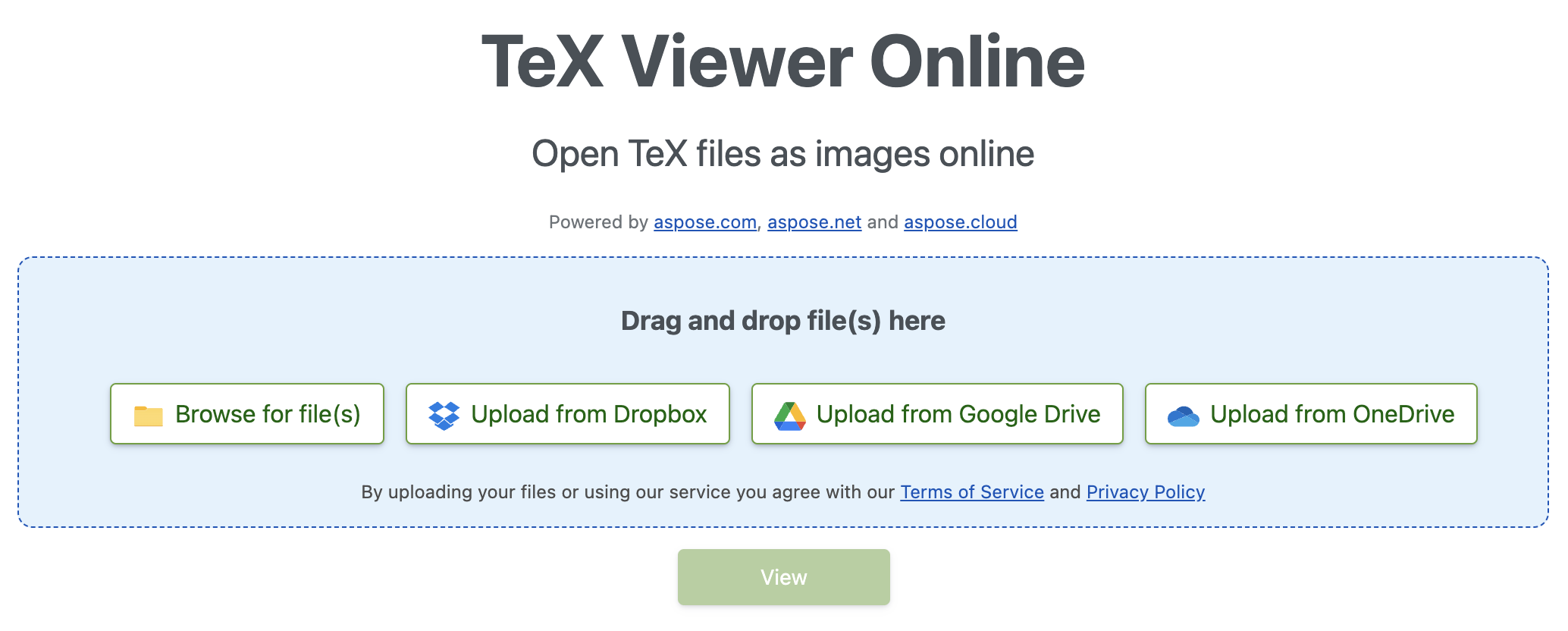
How to View LaTeX Online for Free
- Upload Your LaTeX File: Click the upload button and select the .tex file you want to view.
- Preview the Document: The tool processes the file and generates a preview.
- Download or Share (Optional): If needed, download the processed file for further use.
Developer’s Guide - View LaTeX in C#
Developers can add LaTeX viewing to their apps by converting LaTeX to PNG images. Below is a C# snippet that uses the Conholdate.Total for .NET API to convert a LaTeX file to PNG:
 // Create conversion options for Object LaTeX format upon Object TeX engine extension.
 TeXOptions options = TeXOptions.ConsoleAppOptions(TeXConfig.ObjectLaTeX);

 // Specify a file system working directory for the output.
 options.OutputWorkingDirectory = new OutputFileSystemDirectory(RunExamples.OutputDirectory);

 // Initialize the options for saving in PNG format.
 options.SaveOptions = new PngSaveOptions();

 // Run LaTeX to PNG conversion.
 new TeXJob(Path.Combine(RunExamples.InputDirectory, "hello-world.ltx"), new ImageDevice(), options).Run();
Free Evaluation License
You may request a free temporary license to explore the APIs without any evaluation limitations.
Summing Up
The LaTeX Viewer Online provides a simple, powerful way to open LaTeX files in a browser—no software installation required. Whether you need a quick preview or want to embed LaTeX rendering in a C# application, this guide covers everything you need. For questions or support, visit our forum.