
How to Create an HTML File in C#
Generating HTML files programmatically is a common requirement for .NET developers. Multiple libraries support static and dynamic HTML creation, but the Aspose.HTML library offers a powerful, enterprise‑grade API for C#. In this article we demonstrate how to create, edit, and load HTML files using Aspose.HTML with clear, step‑by‑step code snippets. Make sure your .NET development environment is ready before you begin.
We will cover the following points:
- C# HTML parser library
- How to create an HTML file in C#
- Load HTML document from a file programmatically
C# HTML parser library
Aspose.HTML is a high‑performance C# HTML parser and rendering library. It supports full HTML5, CSS3, and JavaScript standards, making it ideal for server‑side HTML generation, manipulation, and conversion. You can obtain the library by downloading the DLL or adding it via NuGet.
You can download the DLL directly or install the package from NuGet with:
Install-Package Aspose.HTML
How to create an HTML file in C#
Creating an HTML file with Aspose.HTML requires only a few lines of .NET code. Follow these steps to generate a basic HTML document and then add custom content.
- Initialize an empty HTML document by creating an instance of the HTMLDocument class.
- Call the Save method to write the document to disk.
Copy & paste the following code into your main file:
The snippet above creates a blank HTML file. To add visible content, use the DOM API provided by Aspose.HTML.
- Instantiate the HTMLDocument class to obtain a new document.
- Create a text node with the CreateTextNode method.
- Append the text node to the document body using the appendChild() method.
- Save the updated document with the Save method.
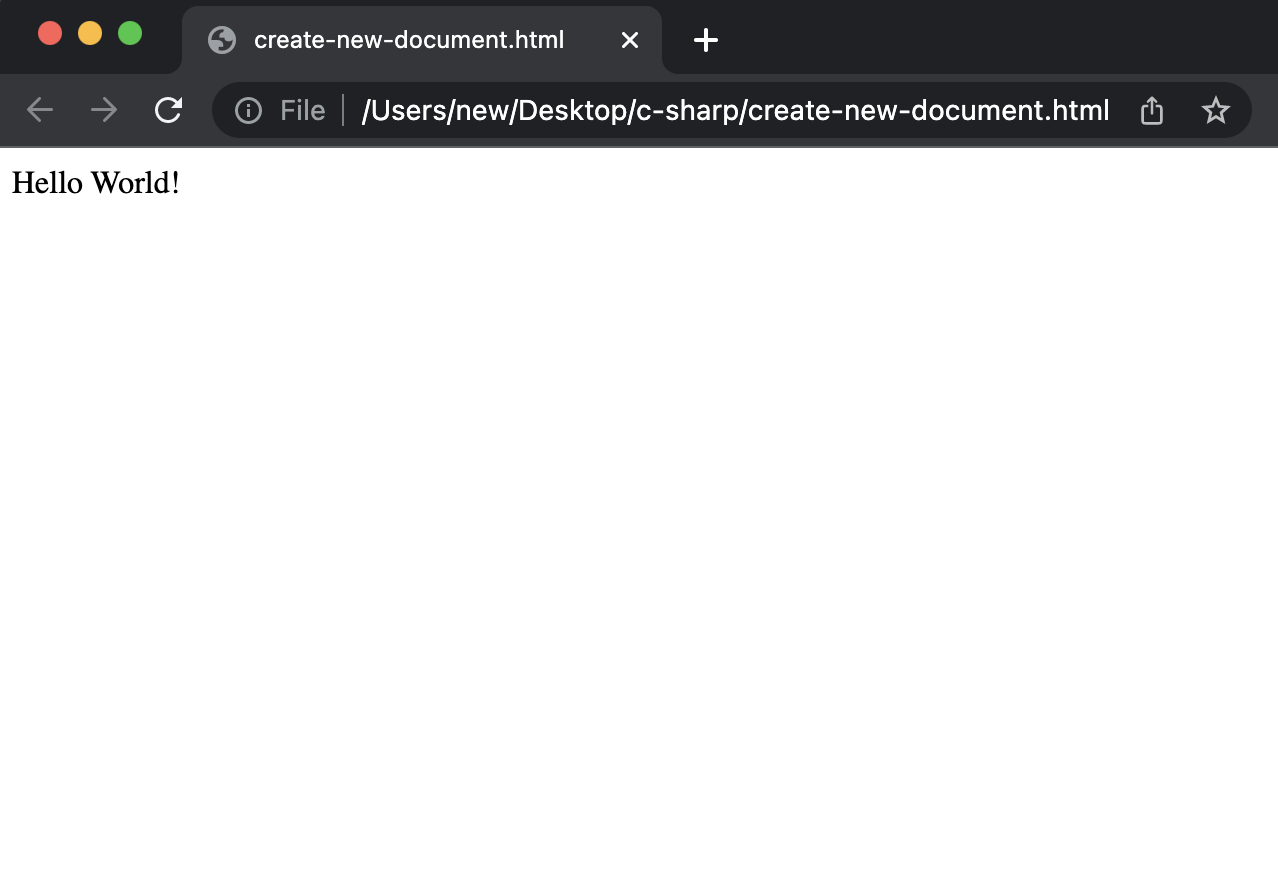
The resulting HTML file is displayed in the image below:
Load HTML document from a file programmatically
Aspose.HTML also lets you load and manipulate existing HTML files. The following example shows how to read an HTML file, access its DOM, and output the full markup.
- Load the HTML file by constructing a new HTMLDocument with the file path.
- Retrieve the complete HTML markup via the DocumentElement.OuterHTML property and write it to an output stream.
Get a Free License
You can obtain a free temporary license to evaluate the API without any usage restrictions.
Summing up
This guide demonstrated how to programmatically create a new HTML file, add custom content, and load an existing HTML document using the Aspose.HTML library for C#. For a full list of capabilities, explore the official documentation and follow the comprehensive Getting Started guide.
Stay updated with the latest posts on conholdate.com for more tutorials and best practices.
Ask a question
You can let us know about your questions or queries on our forum.
FAQs
How do you create an HTML document in a .NET application?
Please follow this link to see the code snippet that uses methods offered by this C# HTML parser library.