Convert Email to HTML in Java
EML files are the standard format used by most email clients to store complete messages. Converting an EML file to HTML lets you render the email directly in any web browser, eliminating the need for a separate email client. In this article we show how to programmatically convert Email to HTML in Java using the Java Email API.
We will cover:
- Java Email API installation
- Convert Email to HTML in Java programmatically
- Email to HTML library – Advanced options
Java Email API installation
The Aspose.Email Java library enables you to create, parse, and manipulate email messages quickly. You can add the library to your project either by downloading the JAR files or by using Maven/Gradle dependencies.
Maven configuration
<repository>
    <id>AsposeJavaAPI</id>
    <name>Aspose Java API</name>
    <url>http://repository.aspose.com/repo/</url>
</repository>
<dependency>
    <groupId>com.aspose</groupId>
    <artifactId>aspose-email</artifactId>
    <version>21.3</version>
    <classifier>jdk16</classifier>
</dependency>
Gradle configuration
repositories {
    maven {
        url "http://repository.aspose.com/repo/"
    }
}
dependencies {
    implementation 'com.aspose:aspose-email:21.3:jdk16'
}
You can also download the JAR files directly if you prefer a manual setup.
Convert Email to HTML in Java programmatically
With the API in place, converting an EML file to HTML is straightforward. Follow these steps:
- Load the source EML file using the
MailMessage.loadmethod. - Save the loaded message as HTML with the
MailMessage.savemethod, specifying the desired output format.
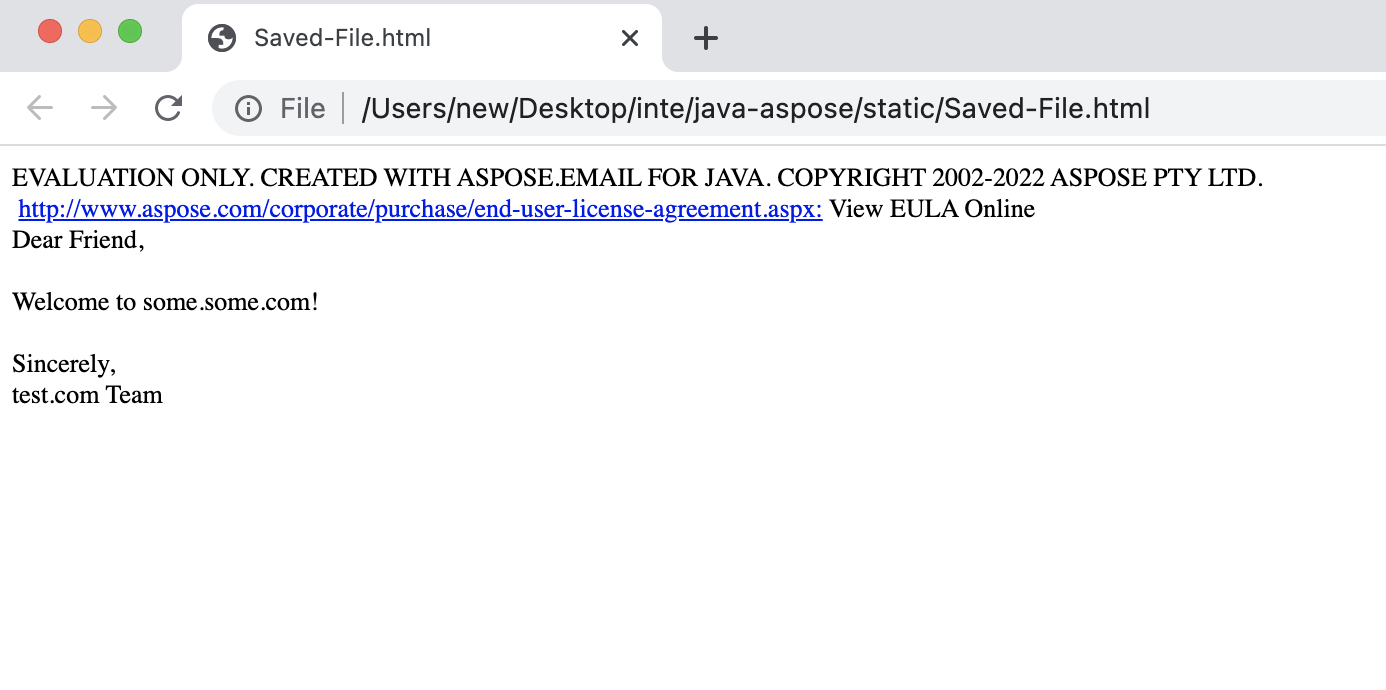
The code above reads sample.eml and creates sample.html. The resulting HTML renders the full email content, including text, images, and formatting.
Email to HTML library – Advanced options
Beyond simple conversion, the library provides detailed access to email components such as headers, sender, recipients, and attachments. The example below demonstrates how to extract these properties while converting the message to HTML.
- Load the EML file (
MailMessage.load). - Retrieve the sender with
getFrom. - Get the list of primary recipients via
getTo. - Access the email subject using
getSubject. - Obtain CC recipients through
getCC. - Finally, save the message as HTML (
save).
These methods let you customize the output, embed additional metadata, or filter content before rendering.
Get a Free License
You can obtain a free temporary license to evaluate the API without any usage restrictions.
Summing up
In this guide you learned how to convert Email to HTML in Java programmatically using the Aspose.Email library. We covered basic conversion, Maven/Gradle setup, and advanced techniques for accessing email metadata. For deeper details, explore the full documentation and experiment with additional API features. Stay updated with new releases and tutorials at conholdate.com.
Ask a question
If you have any questions or need further assistance, visit our forum.