Sign Excel File Online
Use our free Excel signature app to electronically sign Excel files online. Add digital signatures to your Excel files using a visual interface. You can add or clone the signature as many times as you want.
How to Sign Excel File
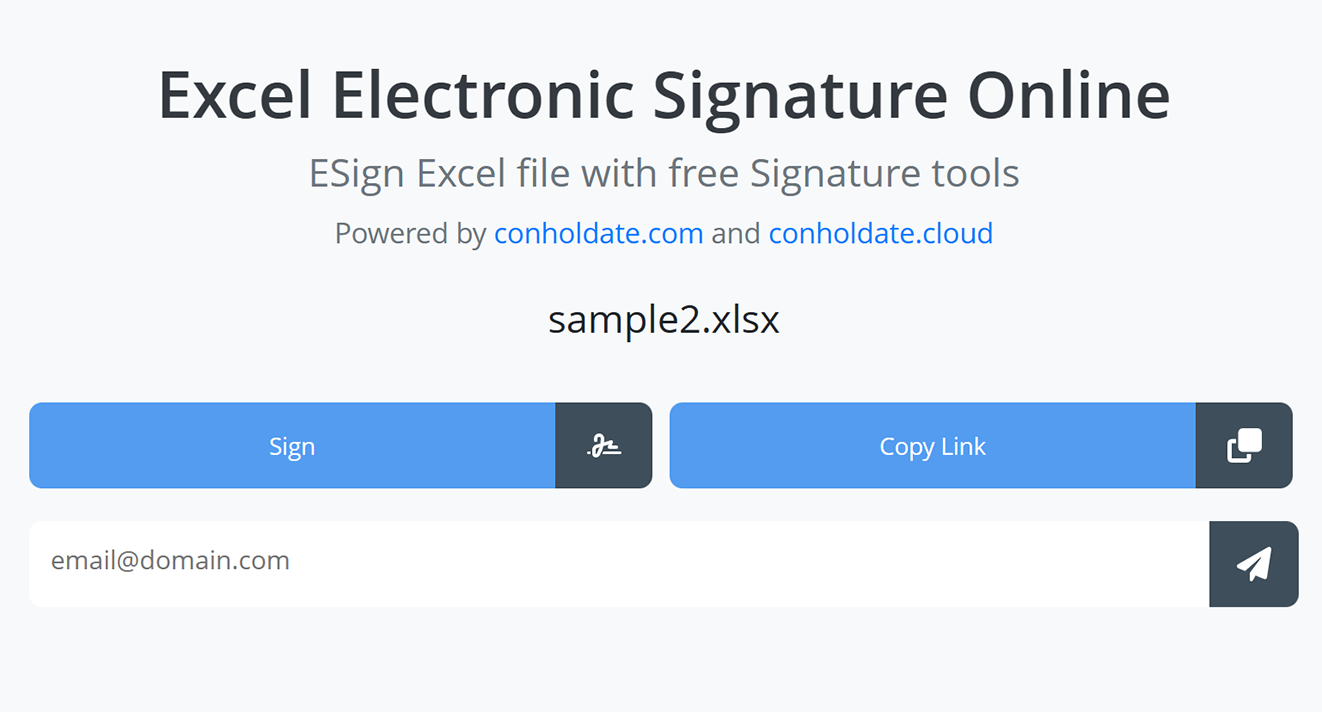
- First, upload the Excel file.
- Click the Sign button.
- Enter your name to sign the document.
- Add a signature as text, image, biometric impression, stamp, or draw with the free‑hand tool.
- Save or download the signed Excel file to your device.
You can use our Excel signature app without installing any software—just open your browser and start signing unlimited Excel files. Our secure server protects uploaded data, ensuring your privacy and security. After 24 hours, your submitted files will be automatically deleted from the server.
Developer’s Guide: Electronically Sign Excel Files
This section explains how developers can programmatically sign Excel files using our standalone libraries, enabling you to add a signature feature to your applications.
First, here are the signature types Conholdate.Total provides:
- Barcode signatures
- Digital signatures based on certificate files
- Form‑field signatures
- Image signatures
- Metadata signatures
- QR‑code signatures
- Stamp signatures
- Text signatures
You can add signatures of the earlier listed types to your Excel files.
Implementations for C# and Java are provided below.
Add eSignature to Excel Files in C#
Follow these steps and use the sample code to add a text digital signature to an Excel file with C#:
- Install Conholdate.Total for .NET in your application.
- Utilize the code below to digitally sign an Excel file.
Java Tutorial: Digitally Sign Excel Files
Follow these steps to digitally sign an Excel file in Java:
- Install Conholdate.Total for Java in your project.
- Use the code below to add a digital signature to an Excel file.
FAQs
How to sign an Excel spreadsheet?
Upload the Excel spreadsheet, click “Sign,” add your signature in the app, and save the file.
What browser should be used to sign Excel files?
All major browsers (Chrome, Safari, Opera, Firefox, Edge, Tor) are supported.
How to share Excel files for signing with others?
After uploading, copy the signing link to share with anyone on the internet.
What is the maximum allowed Excel file size?
Maximum Excel file size is 20 MB.
What will you do with uploaded files after signing?
Uploaded files are automatically deleted after 24 hours and remain protected.
How can I create my Excel signature app?
Use our standalone .NET or Java libraries.
Can I get a license to evaluate the library?
You can acquire a free temporary license to test the API without evaluation limitations.
Ask a Question
You can let us know your questions or queries on our forum.