Convert Word to Markdown using Java
Markdown language offers a rich set of features and is easy to learn. MS Word documents are widely used for organizing business data. In rapid application development, it’s important to handle changes at runtime. Markdown files are ideal for business app development. This post shows how to convert Word DOCX to Markdown MD using Java programmatically.
We will cover the following sections:
- DOCX to MD Converter - Java Library Installation
- Convert Word DOCX to Markdown MD using Java
- Word to Markdown Conversion - Advanced Options
DOCX to MD Converter - Java Library Installation
This is a feature‑rich library that lets you build an enterprise‑level Word to Markdown converter for your Java application. You can download the API or add the following configuration to your Maven‑based Java project.
<repository>
    <id>AsposeJavaAPI</id>
    <name>Aspose Java API</name>
    <url>https://repository.aspose.com/repo/</url>
</repository>
<dependency>
    <groupId>com.aspose</groupId>
    <artifactId>aspose-words</artifactId>
    <version>21.11</version>
    <type>pom</type>
</dependency>
Convert Word DOCX to Markdown MD using Java
The Java DOCX library provides many methods to convert Word documents to other formats programmatically.
Follow these steps:
- Load a source Word document by creating a new Document object.
- Save the document to Markdown format by calling the save method.
Copy & paste the following code into your main file:
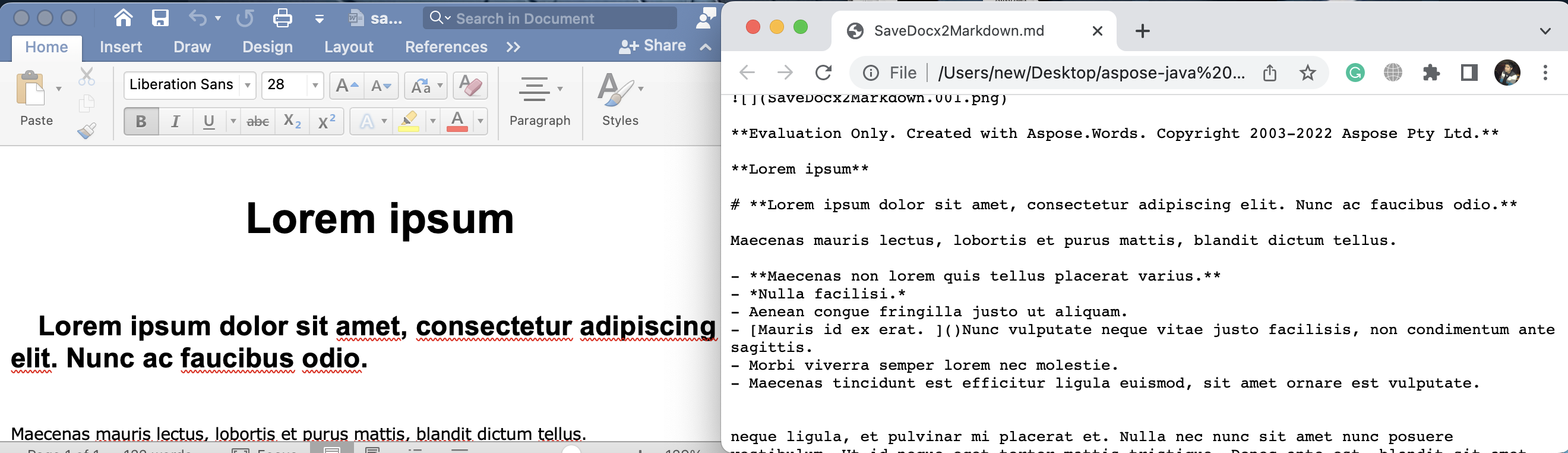
The output appears as shown below:
Word to Markdown Conversion - Advanced Options
Below are additional features of this Java library. We will create a document with styles and save it to Markdown.
Steps:
- Create a Document object.
- Instantiate a DocumentBuilder to add content easily.
- Apply the “Heading 1” style using the insertParagraph method.
- Set the paragraph style name with setStyleName.
- Insert text at the current position using the write method.
- Make the font italic with setItalic.
- Add a hyperlink using insertHyperlink.
- Save the document as a Markdown file with the save method.
The sample code demonstrates converting a Word DOCX document to a Markdown file in Java:
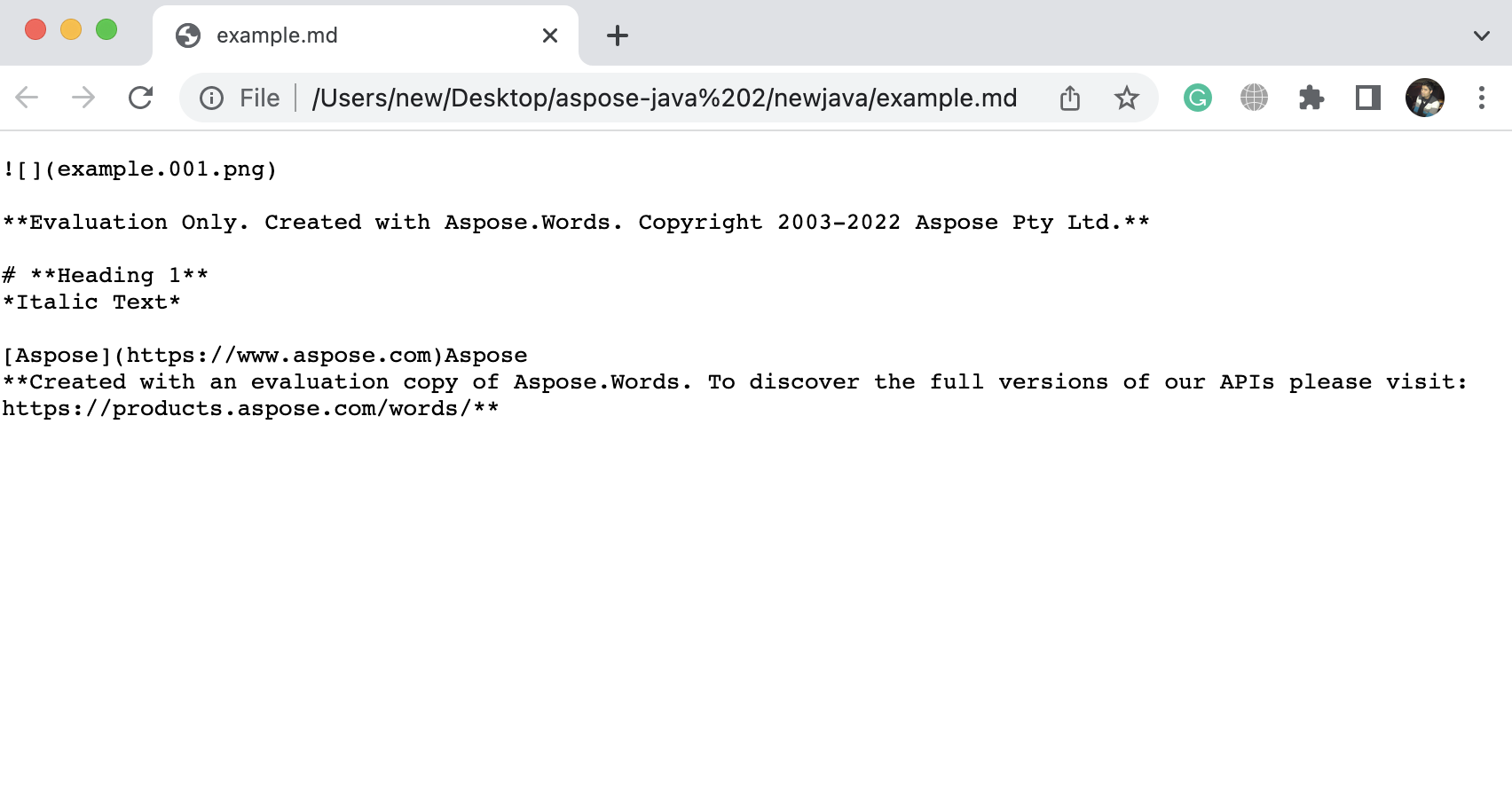
The result is displayed in the image below:
Get a Free License
You can obtain a free temporary license to try the API without evaluation limits.
Summing up
This tutorial showed how to convert Word to Markdown using Java programmatically and introduced advanced methods of the Java library. Be sure to review the documentation for more details.
We also recommend following our Getting Started guide.
Stay tuned to conholdate.com for new blog posts and updates.
Ask a question
Post your questions or queries on our forum.
FAQs
How do you create an HTML document in a .NET application?
Load a source Word document by initializing the constructor of the Document class. Then, save the document to Markdown format by calling the save method.