Convert Visio to PDF in C#
Business diagrams and flowcharts provide powerful data presentation. VSD files store high‑quality vector graphics but are difficult to edit. Converting Visio files to popular formats like PDF or PNG solves this. This post shows how to use the .NET diagram library to convert Visio to PDF in C# programmatically.
The following points will be covered:
.NET diagram library installation
VSD to PDF conversion requires only a few lines of .NET code. Download the DLL or install via NuGet with the command below.
Install-Package Aspose.Diagram
Convert Visio to PDF in C#
Now, you can write a code snippet to achieve the functionality using methods exposed by this .NET diagram library.
The steps are:
- Call the Diagram constructor to load a VSD diagram.
- Instantiate an instance of MemoryStream class to create a stream.
- Save the diagram in PDF format by invoking the save method.
- Create a PDF file by initializing an object of the FileStream class.
- Invoke the WriteTo method that writes the entire contents of this memory stream to another stream.
- Close the streams.
Copy & paste the following code into your main file:
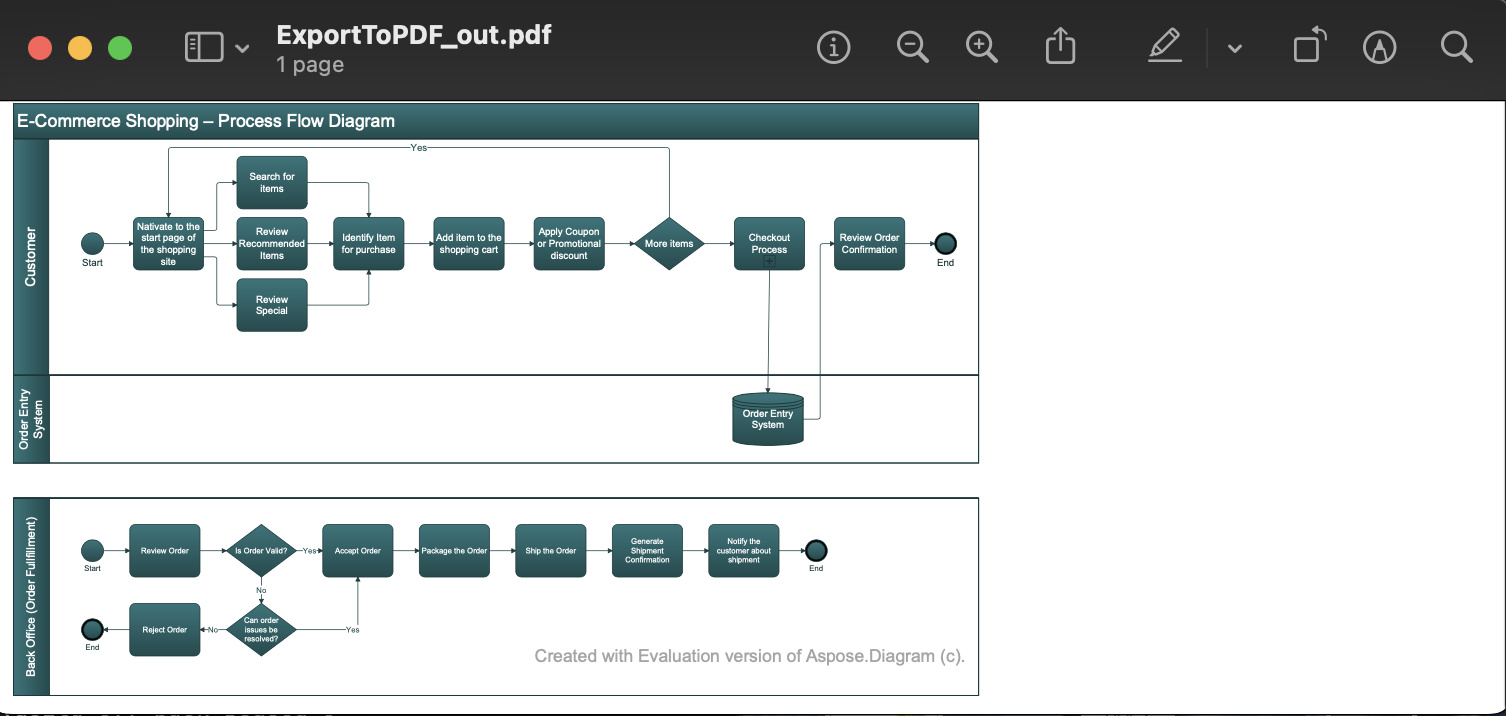
You can see the output in the image below:
VSD to PDF - advanced options
Visit the documentation for additional methods and API configuration options.
Get a Free License
You can avail a free temporary license to try the API without evaluation limitations.
Summing up
We hope you now know how to convert Visio to PDF in C#. The .NET diagram library also offers many other conversion methods, including VSD to PDF. See related articles in the “See Also” section.
Moreover, we suggest you follow our Getting Started guide.
Finally, conholdate.com is writing new blog posts. Therefore, please stay in touch for regular updates.
Ask a question
You can let us know about your questions or queries on our forum.
FAQs
How do I convert a Visio file to PDF?
Call the Diagram constructor to load a VSD diagram, instantiate an instance of MemoryStream class to create a stream, and save the diagram in PDF format by invoking the save method.