Convert Raster to SVG | SVG to Raster Image Conversion
Welcome to this new blog post. You are landed in the right place if you are looking to automate the SVG to raster image conversion programmatically. We will install this .NET imaging library in our .NET application to access the methods. In addition, we will write the steps and the code snippet to convert raster to SVG programmatically. However, building a raster to SVG or SVG to raster converter will surely give you a competitive edge in your business software.
We will cover the following sections:
.NET imaging library installation
This library is rich-featured and offers a wide range of enterprise-level features that help developers to develop resource‑efficient applications. You can install it within your .NET application by running the following command in the NuGet Package Manager or by download the API’s DLL.
Install-Package Aspose.Imaging
Convert raster to SVG in C#
Follow these steps to convert a raster image to SVG programmatically:
- Create an object of the Image class and invoke the load method to load a specific image.
- Instantiate an instance of the SvgOptions class to set SVG file format options.
- Create an instance of the SvgRasterizationOptions class to define rasterization settings.
- Assign the
svgRasterizationOptionsto the VectorRasterizationOptions property. - Set the page width using the PageWidth property.
- Set the page height using the PageHeight property.
- Save the file in SVG format by calling the Save method.
Copy & paste the following code into your main file:
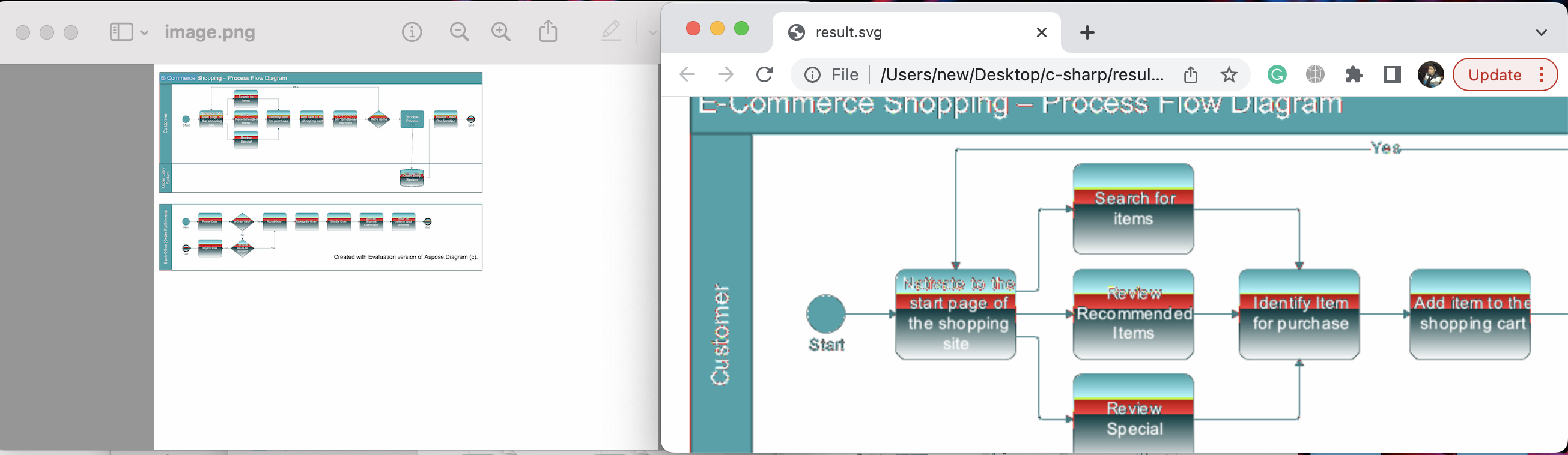
You may see the output in the image below:
SVG to raster image conversion
You can also build an SVG‑to‑raster converter using this .NET imaging library. Follow these steps:
- Load the image by creating an object of the SvgImage class and invoke the load method to load a specific SVG file.
- Create an instance of the PngOptions class.
- Initialize an instance of the SvgRasterizationOptions class to set rasterization options.
- Set the page width using the PageWidth property.
- Set the page height using the PageHeight property.
- Assign the
svgOptionsto the VectorRasterizationOptions property. - Invoke the Save method to save the raster image.

Copy & paste the following code into your main file:
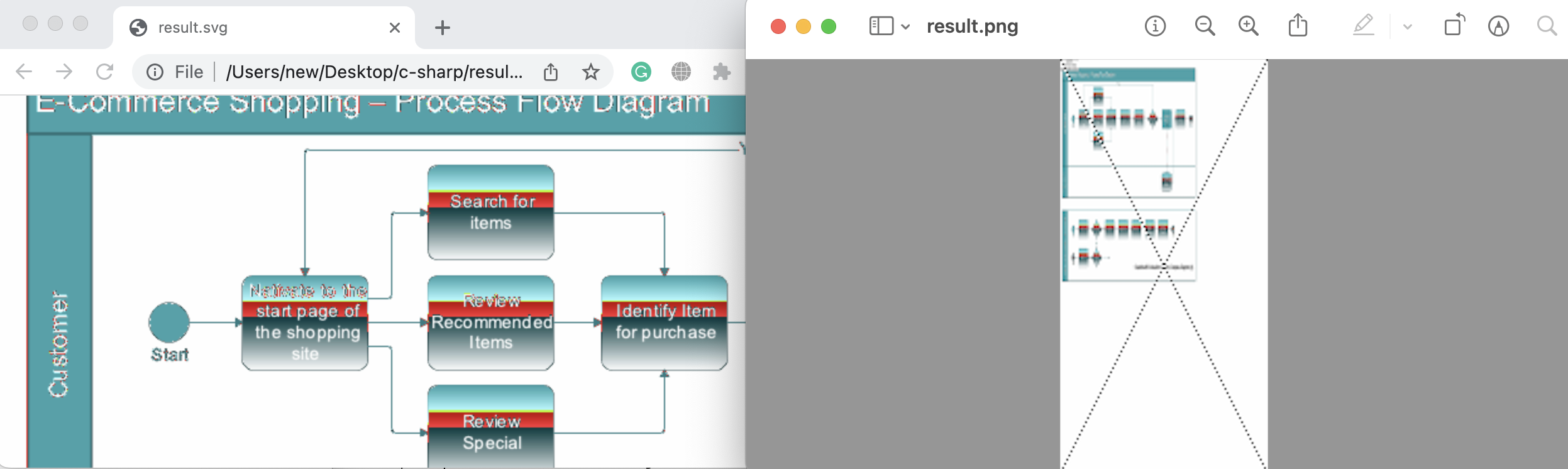
You may see the output in the image below:
Get a Free License
You can avail a free temporary license to try the API without evaluation limitations.
Summing up
Visit the documentation to explore other features and popular conversions. You have learned how to convert raster to SVG using .NET imaging library and how to implement SVG to raster image conversion in a C# application. Relevant articles are listed in the See Also section below.
We also recommend following our Getting Started guide.
Finally, conholdate.com publishes new blog posts regularly. Stay in touch for updates.
Ask a question
You can share your questions or queries on our forum.
FAQs
How do I convert images to SVG?
Please follow this link to see the code snippet that converts raster images to SVG and SVG to raster images programmatically.