Compressing Word documents helps when large files must be shared or stored efficiently. In this blog post, we explore how to compress Word documents programmatically using C#. We cover several approaches for compressing Word DOCX or DOC files in native applications and online for free.
- Why Compress Word DOCX Files?
- Word DOCX Compression in C# - API Installation
- Compress Word Documents in C#
- Quick Compression of Word Documents in C#
- Online Word DOCX Compressor
Why Compress DOCX Files?
There are several reasons to compress Word documents:
Reduced File Size: Smaller files are easier to share via email and take up less disk space.
Faster Uploads/Downloads: Reduced size speeds up transfer times, improving efficiency.
Optimized Storage: Less space used on storage devices lowers storage costs.
Improved Performance: Applications handling compressed files often run faster due to lower I/O overhead.
Now, let’s explore the methods you can use to compress Word documents in C#.
DOCX Compression in C# - API Installation
You can configure the environment by downloading the DLL of Conholdate.Total for .NET from the New Releases section or by running the NuGet command:
PM> Install-Package Conholdate.Total
Compress Word Documents in C#
Follow these steps to compress Word documents in C#:
- Load the input Word document with the Document class.
- Create an OoxmlSaveOptions object.
- Set the compression level to Maximum for the strongest (and slowest) compression.
- Save the compressed DOCX using the Save method.
The code snippet below demonstrates how to compress a Word DOCX document in C#:
Quick Compression of Word Documents in C#
Use these steps for faster compression:
- Load the source Word document with the Document class.
- Instantiate an OoxmlSaveOptions object.
- Choose the SuperFast compression level for quick processing.
- Save the compressed DOCX using the Save method.
The sample code below shows quick compression of DOC or DOCX files in C#:
Online Word DOCX Compressor
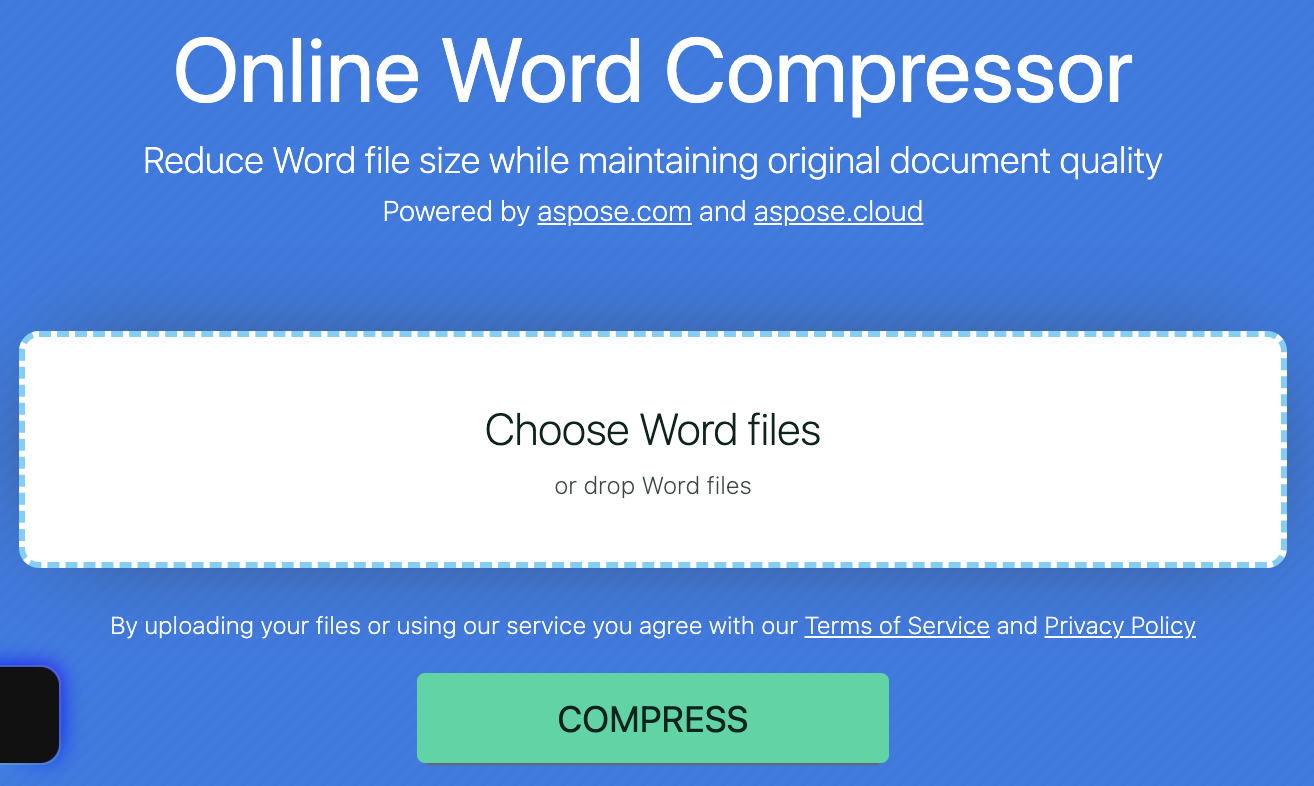
You can also compress Word documents online without installing any software. Use the free online Word compressor with just a few clicks.
Free Evaluation License
Request a free temporary license to evaluate the API with full functionality and no limitations.
Conclusion
Compressing Word documents in C# is simple. By reducing the size of DOC or DOCX files, you improve performance, lower storage costs, and make file sharing easier. For any questions, contact us via the forum.